Silhouette Studio
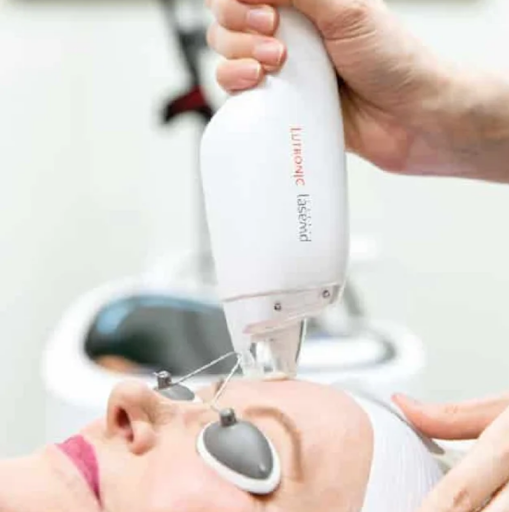
Tips for Laser Hair Removal Salon Visit
Appointment and Scheduling: Please book your laser hair removal session in advance to ensure we can accommodate your preferred time. Each session typically takes around 20-30 minutes, so plan your schedule accordingly.
- Skin Care: Avoid excessive sun exposure before and after your treatment. We recommend using sunscreen to protect your skin. Please refrain from waxing or shaving the treatment area within 24 hours before your session to prevent skin irritation.
- Dress Comfortably: To ensure your comfort, we suggest wearing loose, breathable clothing. Since the treatment area will need to be exposed, wearing easily removable clothing is advisable.
- Pre-treatment Consultation: If you have any health concerns, skin conditions, or are taking medications, please inform our professionals ahead of time. We will provide personalized care recommendations to suit your needs.
- Relax and Enjoy: During the treatment, just relax. Our equipment and techniques are safe and designed to provide you with a comfortable experience.
You May Also Like
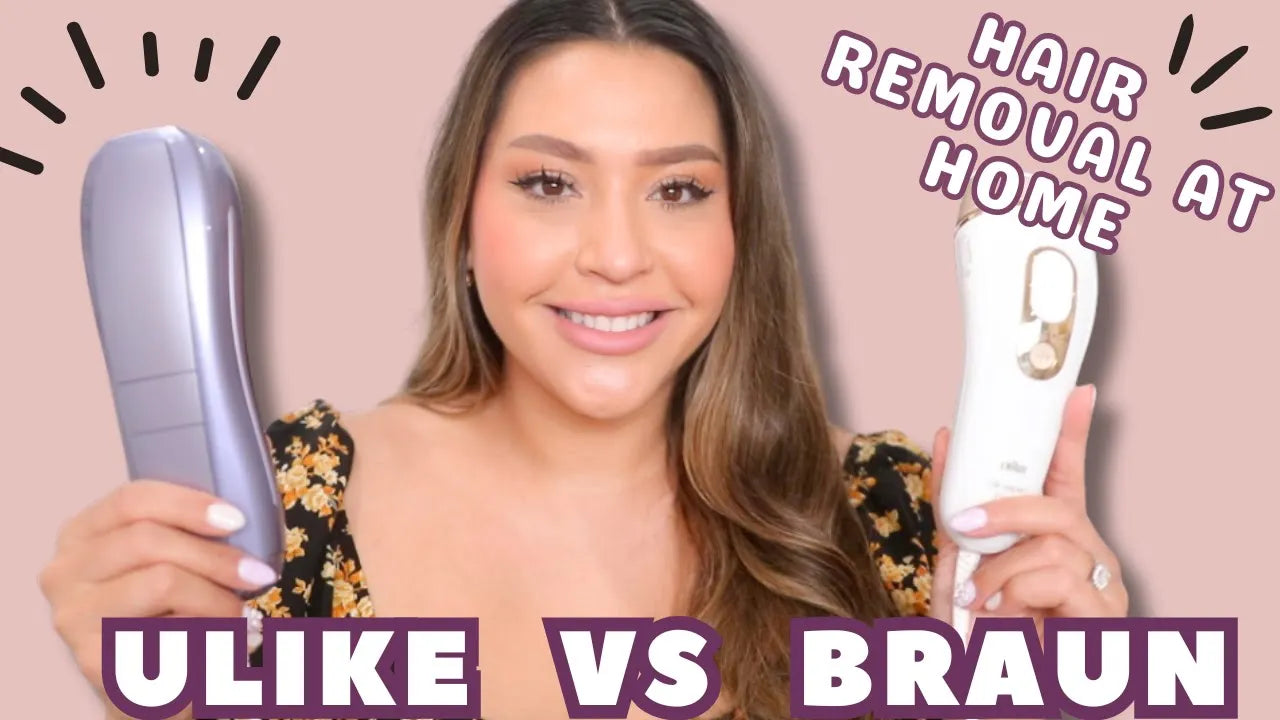
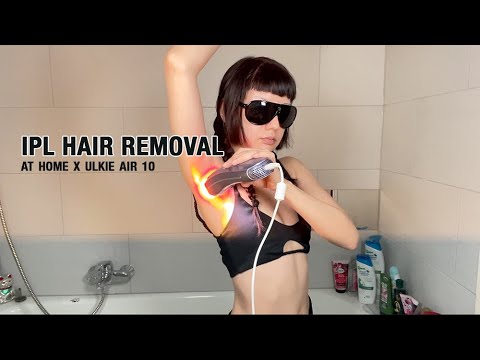
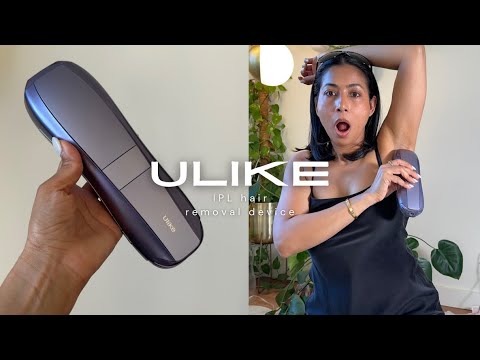
Results and reviews for Ulike IPL Hair Removal

"Using the device was so easy without pain. I finally feel like I found something that works with my hair and sensitive skin, not against it."
Shayden Thomas

"Compared to other hair removal methods, the best thing for me is how long it lasts. I'm feeling much more confident now, and I'll definitely be recommending it to my family and friends."
Mirabella Marchiorlatti

"I used to pay for fancy razors or go get laser, which was inconvenient and really adding up. Being able to use Ulike at home I finally feel in control of my hair removal for the first time."Isabella Davis
Isabella Davis

"I experience a lot of irritation after shaving and waxing. Using Ulike, I loved that when a few hairs did grow back, it didn't give me any discomfort at all."
Raven Mapanao

"Waxing is my go-to for bikini line hair removal, but it takes a lot of time and planning ahead. The Air 3 gave me the same results but simplified my routine, making my life so much easier."
Ashley McWilliams

"I'm so happy to have found Ulike IPL! I had such a great experience with it, and it feels so good to finally find a method and a brand I can trust for long-term hair removal."
Raquel Basco

"The fact that it lasts a really long time is huge for me. Not having to waste time or money using razors has been awesome."
Ben Philpot

"With sensitive skin, I always get razor burns or cuts when shaving. The cooling feeling from the Air 3 makes removing my hair really relaxing."
Gilbert Bargas

"Since I started using this device, my hair is much thinner and grows back slower. Plus, my skin just feels so much more refreshed compared to when I shave."
Upen Akki
About Silhouette Studio
Services Offered
Certified professionals
Free consultations
Pay Installments
Luxury
Appointment
18 years in business
Frequently Asked Questions
What is Silhouette Studio?
Silhouette Studio is a robust and powerful design software for any cutting system on the market. This software enables you to design projects to send to any Silhouette electronic cutting machine.
How to navigate through Silhouette Studio interface?
Silhouette Studio's interface is quite user-friendly. On the left, you'll find the tools panel that includes select tools, line tools, shape tools and more. On the right, you'll see the panels bar containing layers, text style, fill panel and more. The design area is in the middle, where you work on your projects.
How can I upgrade to Silhouette Studio Designer Edition?
To upgrade to the Silhouette Studio Designer Edition, you can visit Silhouette’s online store, add the software to your cart, and proceed to checkout. After purchase, you will receive an email with the upgrade code and instructions on how to apply it to your current basic edition.
Which Silhouette Studio software edition is the best value for money?
The value for money can vary depending on your specific needs. The Basic Edition is free and offers a good range of features. The Designer Edition is a paid upgrade and offers advanced features like the ability to import SVG files. The Business Edition, also a paid upgrade, offers even more advanced features and is ideal for small businesses. It's best to review the features of each edition and decide which one suits your needs the best.
Does Silhouette Studio offer educational discounts?
Yes, Silhouette Studio offers educational discounts for students and teachers. The specifics of the discount can vary, so it's best to check their official website or contact their customer support for the most accurate information.
How to troubleshoot issues in Silhouette Studio?
First, check if your software is updated to the latest version. If the problem persists, consult the Help section in the software, which contains useful information for troubleshooting common issues. If you can't find a solution there, you can contact Silhouette Studio's customer support for further assistance.
Beauty Salons nearby

20/20 Lux Spa
600 mi away

2110 Salon & Spa
600 mi away

188STL Fine Men's Salons - Chesterfield
300 mi away

1 Stop Beauty Bar
500 mi away
18 Spa
500 mi away

180 MedSpa
0 mi away

19 Salon & Spa
600 mi away

2nd & Mane
800 mi away

208 Capelli Salon
500 mi away

204 Beauty
0 mi away

1595 Blow Dry Hair Extension Boutique
700 mi away

3 Dimensions Salon
600 mi away