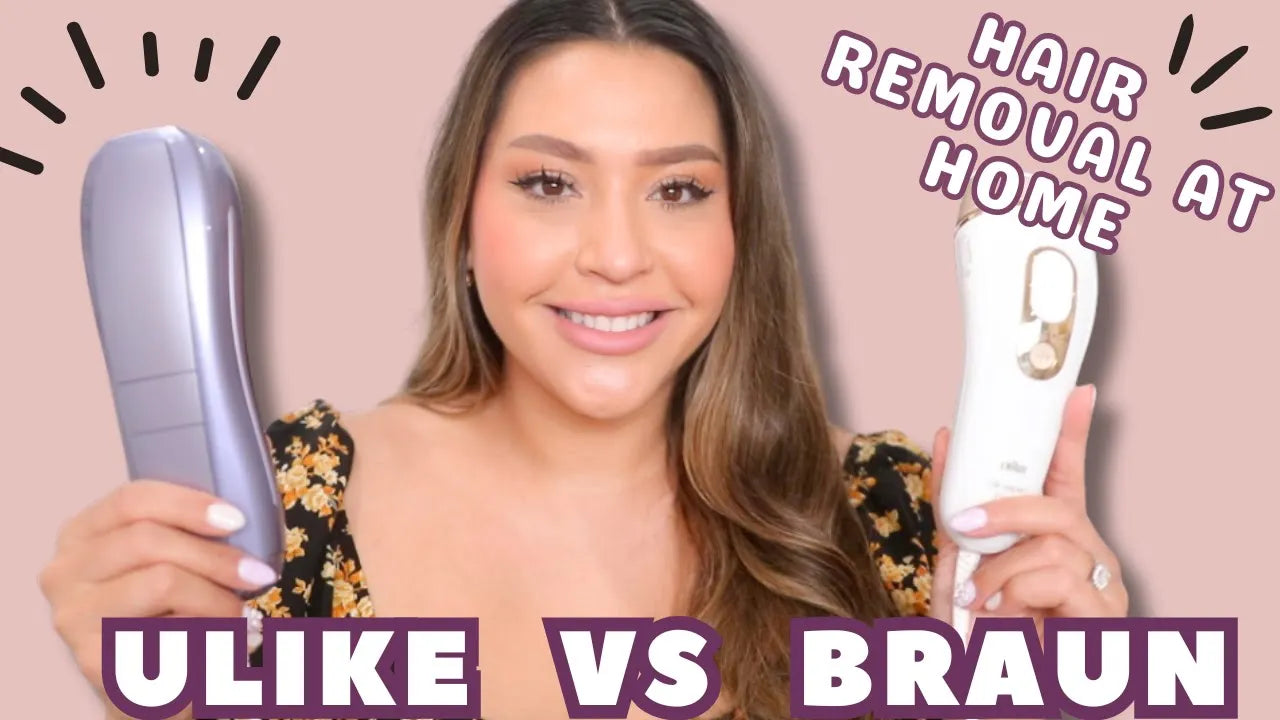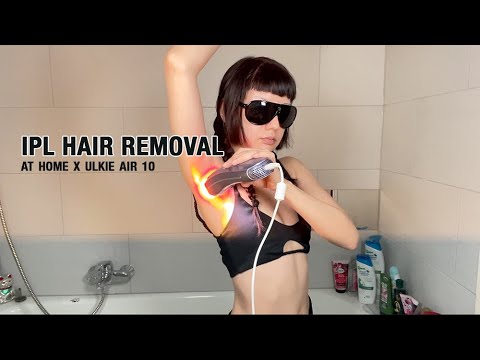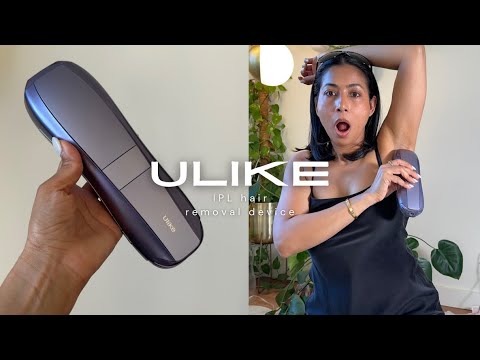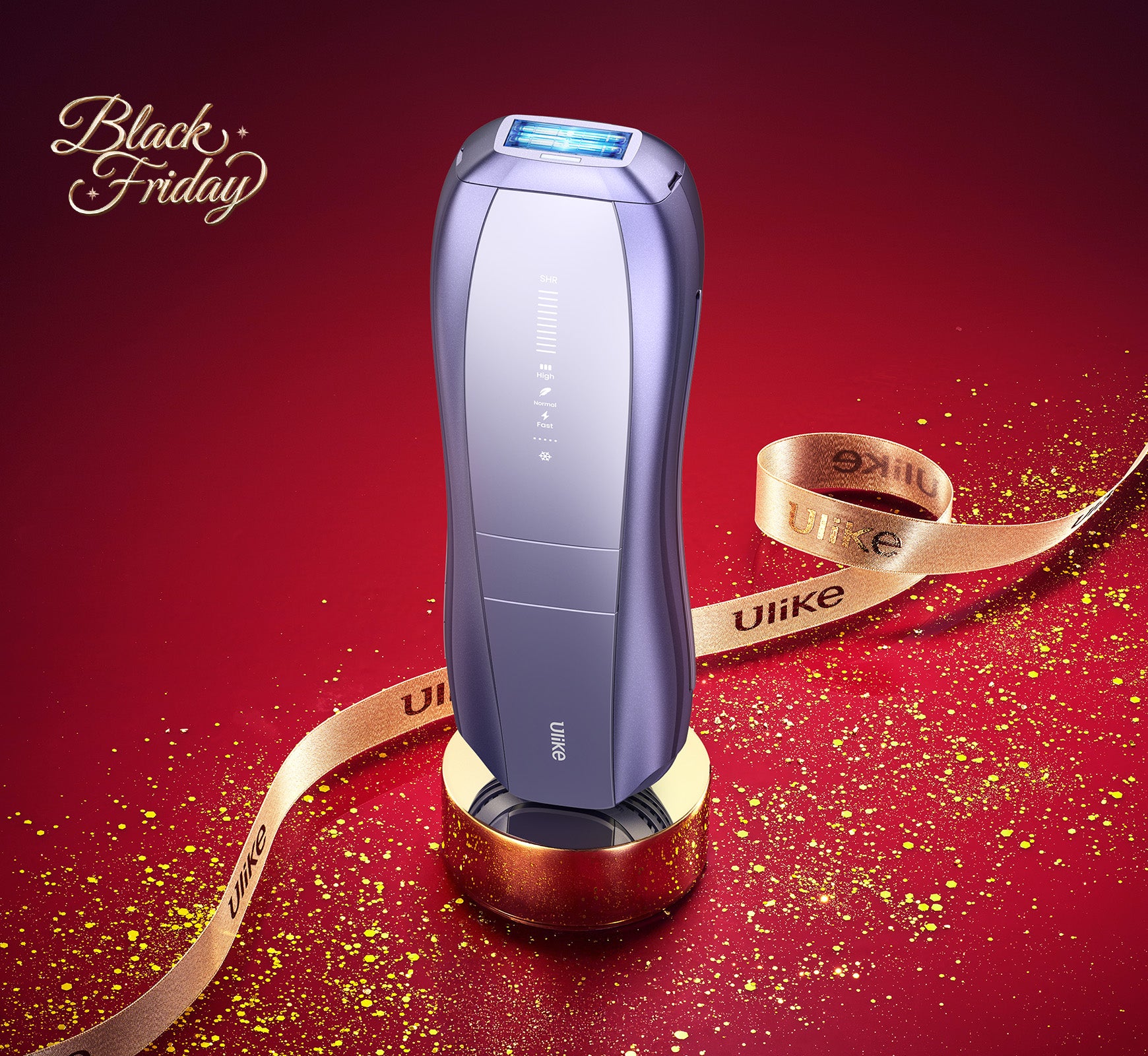
To use the Ulike IPL Laser Hair Removal Handset, please follow these steps: 1. Shave the Treatment Area: Ensure the area you intend to treat is clean-shaven and dry. This helps the IPL light to penetrate the skin more effectively. 2. Plug In the Device: Connect your Ulike handset to a power source using the provided adapter. 3. Power On the Device: Press the power button to turn on the handset. You can adjust the intensity level based on your comfort and the treatment area. 4. Select Intensity Level: Start with a lower intensity level if you are new to IPL treatments. Gradually increase the intensity over time as your skin becomes accustomed. 5. Position the Device: Place the handset's flash window against your skin. Ensure full contact with the skin to enable the sensor. 6. Flash and Move: Press the flash button to emit a light pulse. Move to the next area and repeat. Overlapping slightly ensures comprehensive coverage. 7. Aftercare: Apply a soothing gel or moisturizer to the treated area if needed. Avoid sun exposure and tanning for at least 24 hours post-treatment. For optimal results, follow the recommended treatment schedule provided in the user manual. Typically, you'll see significant results after 4-6 sessions. For further information, detailed guides, and support, please visit our official website or contact our customer support team.