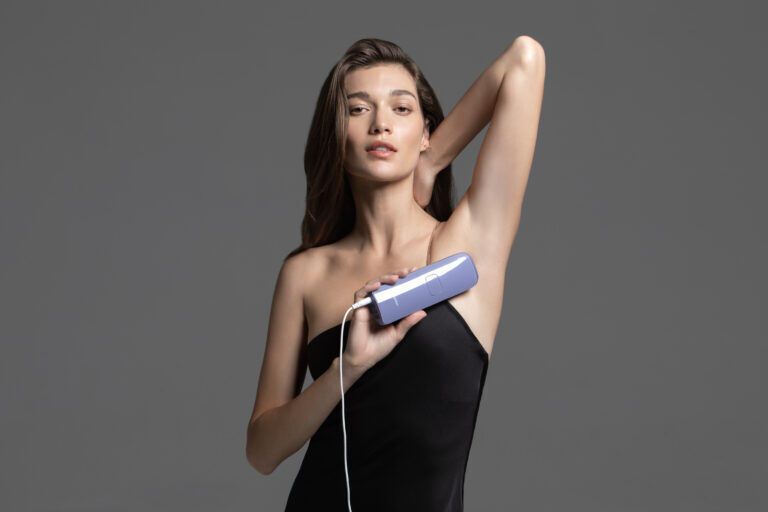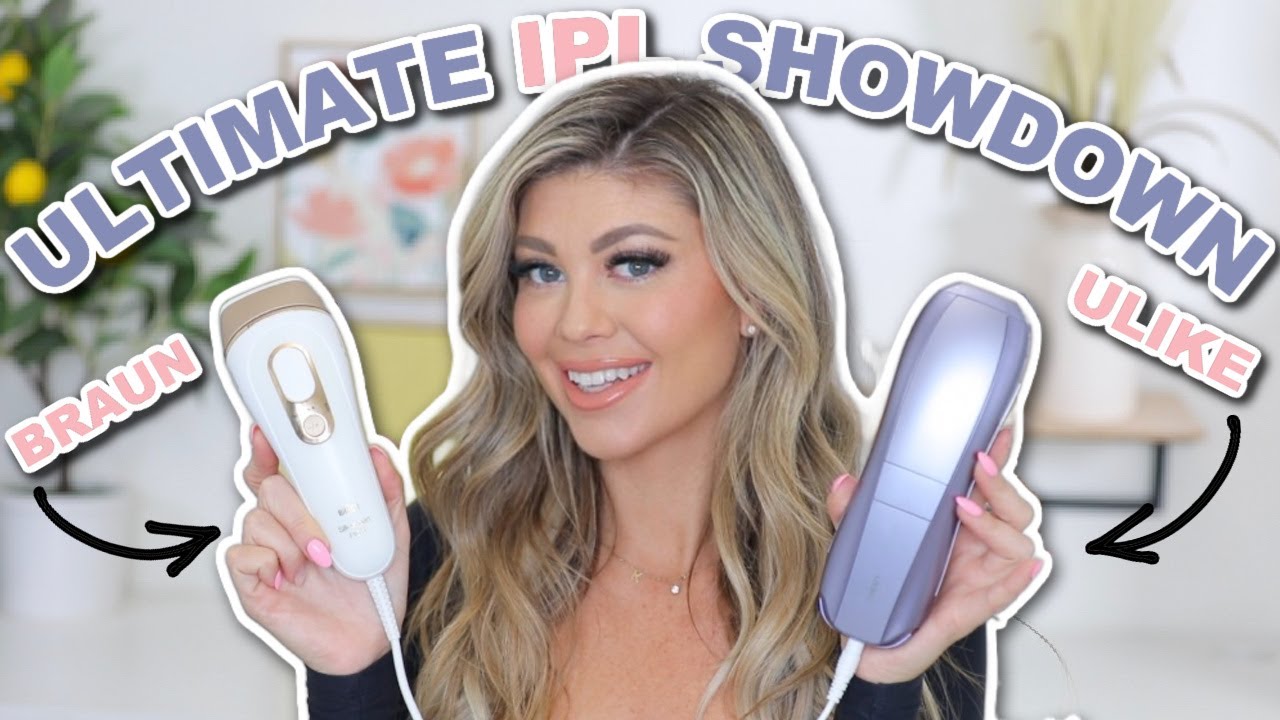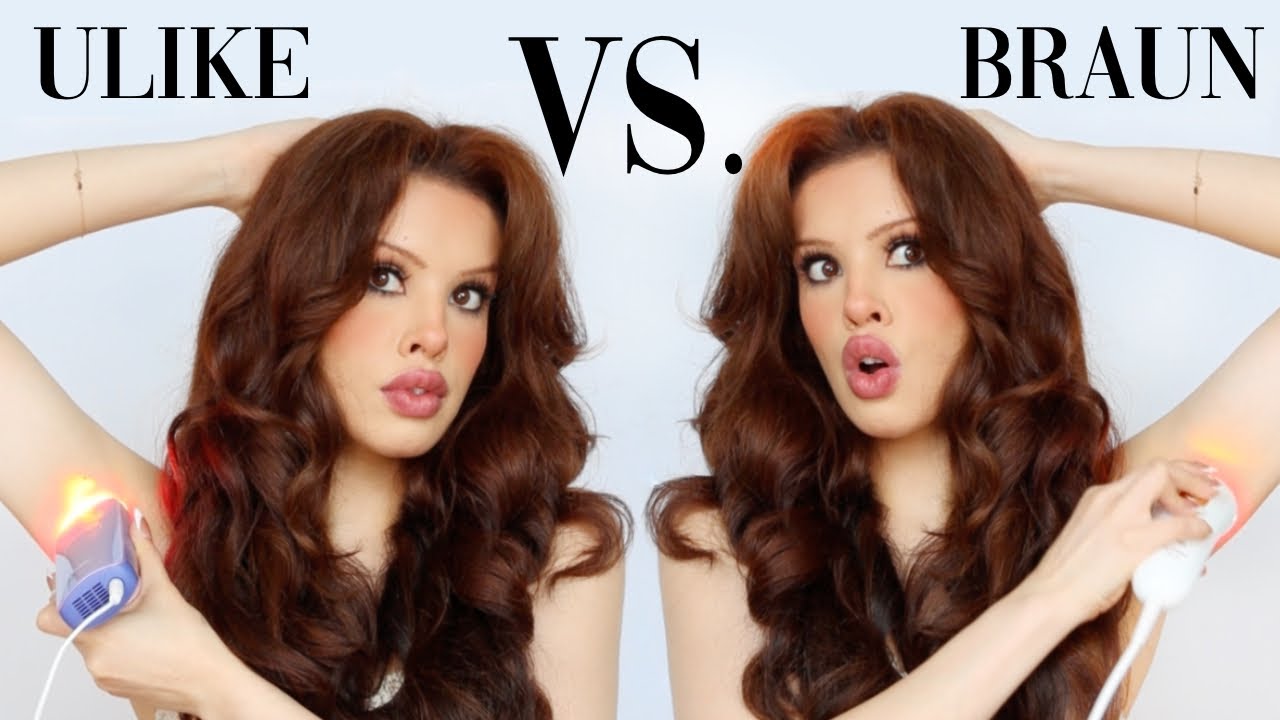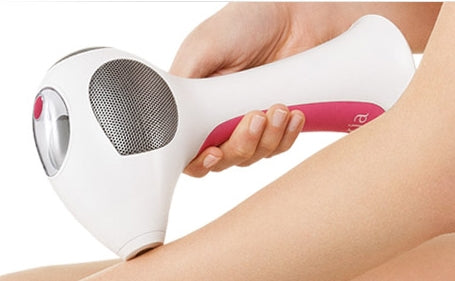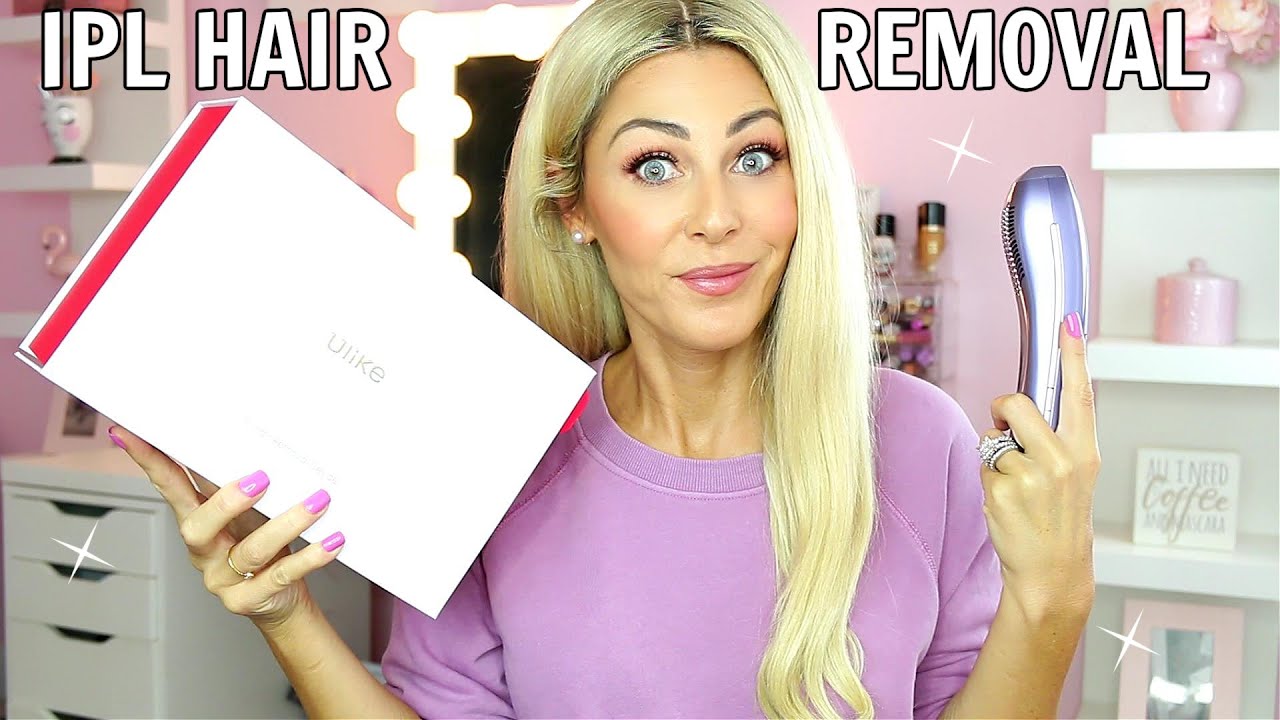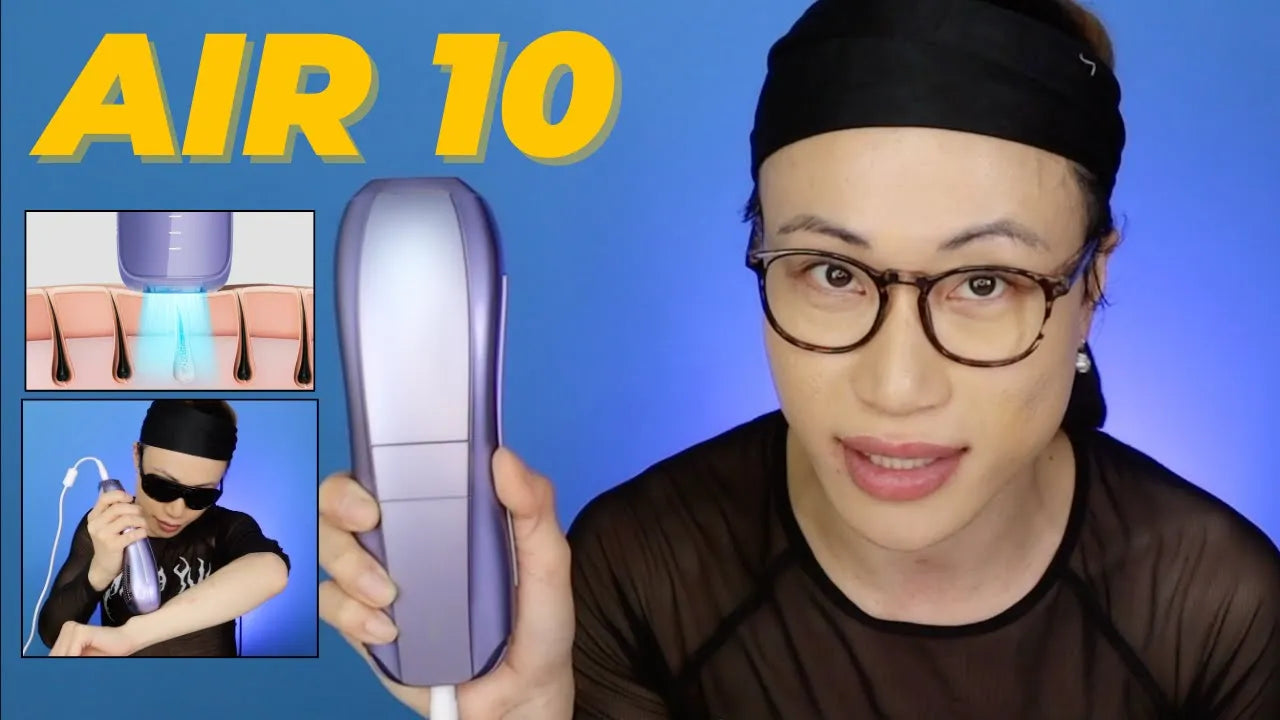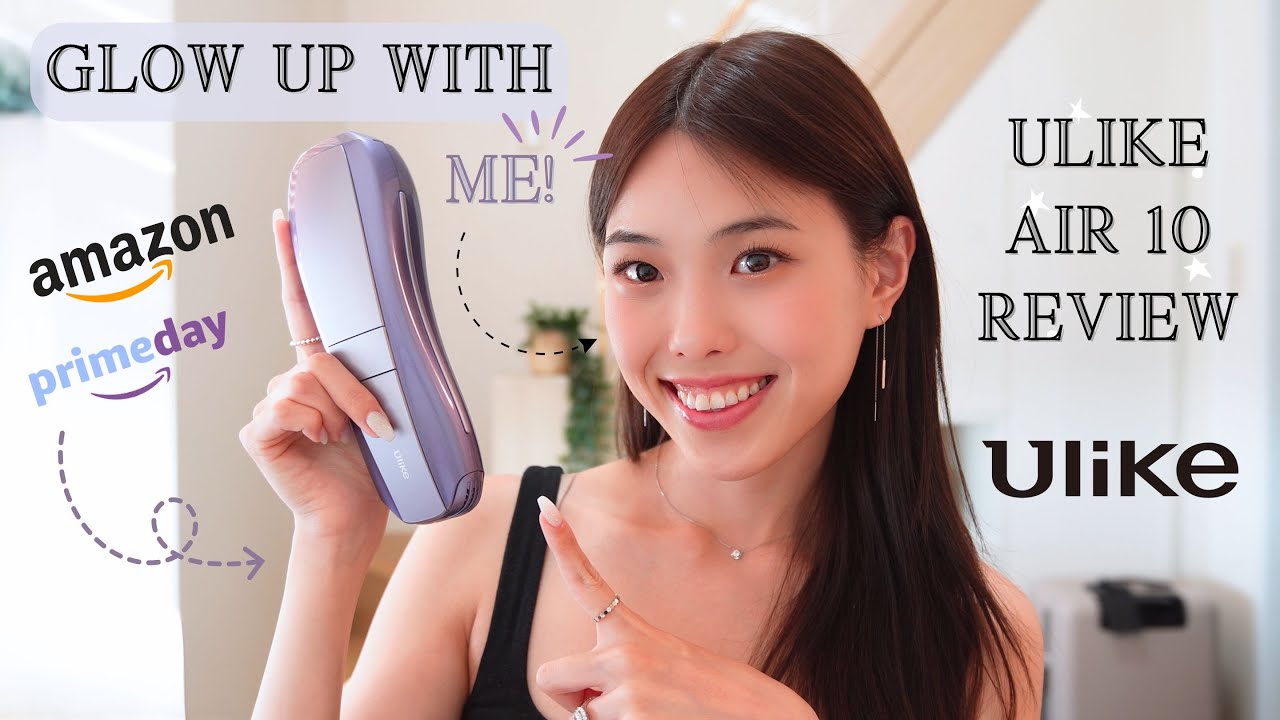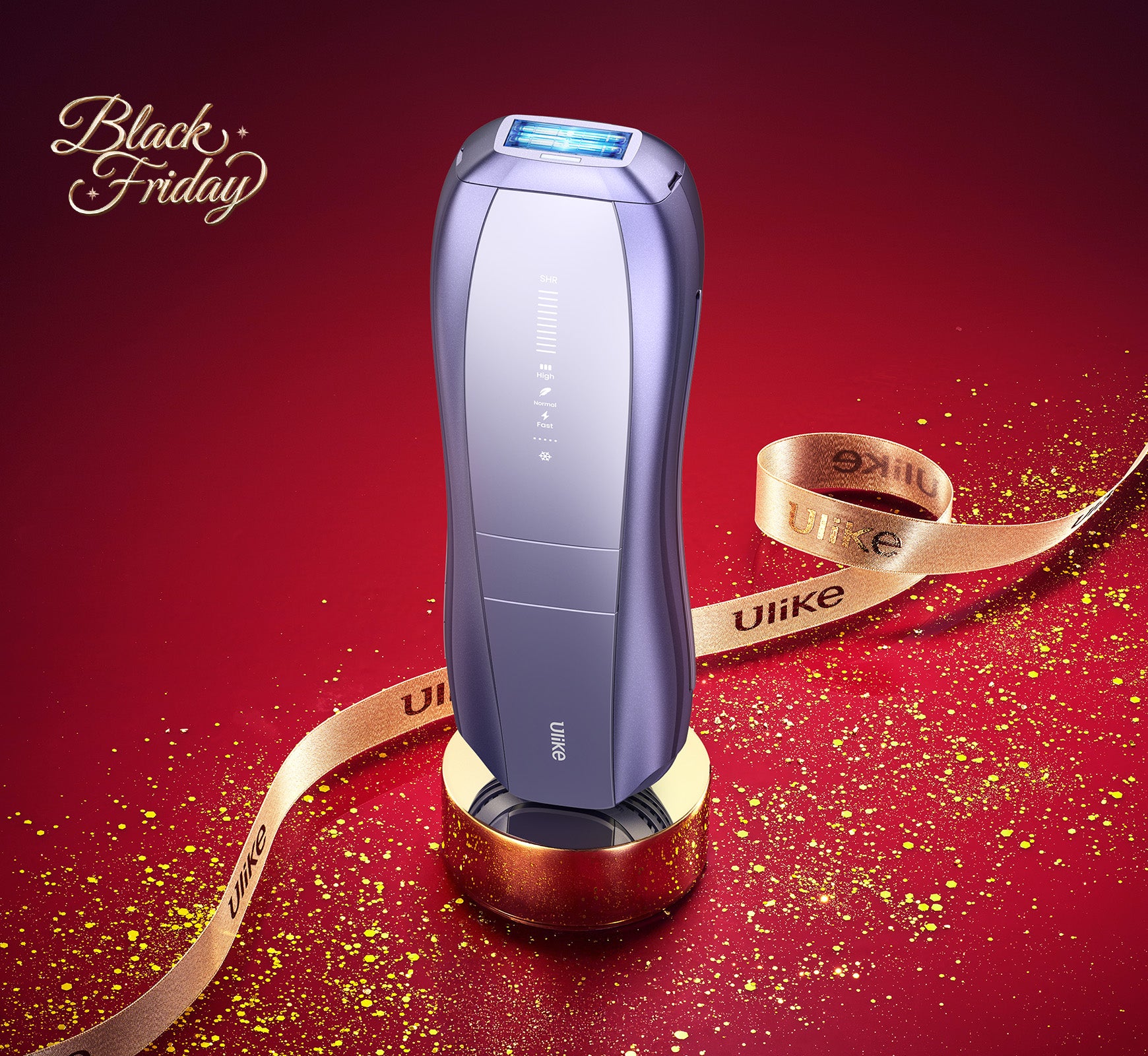
Using the Ulike IPL hair removal device is straightforward and user-friendly. Here’s a step-by-step guide: 1. Prepare Your Skin: Start by shaving the area you want to treat. Make sure your skin is clean and dry, free from any lotions or deodorants. 2. Power On the Device: Connect the device to a power source and press the power button to turn it on. 3. Select the Intensity Level: Choose the appropriate intensity level based on your skin tone and hair color. It's recommended to start with the lowest setting and gradually increase if necessary. 4. Position the Device: Place the treatment window flat against your skin. Ensure full contact for effective results. 5. Administer the Pulse: Press the flash button to release a light pulse. Move the device to the next area and repeat. Avoid flashing the same spot multiple times in one session. 6. Post-Treatment Care: After the session, apply a soothing moisturizer or aloe vera gel to the treated area. For optimal results, follow the treatment schedule recommended in the user manual. Typically, this involves initial treatments once a week for the first 4-12 weeks, followed by maintenance treatments as needed. For more detailed information and visual guides, please visit our official website or contact our customer support team.