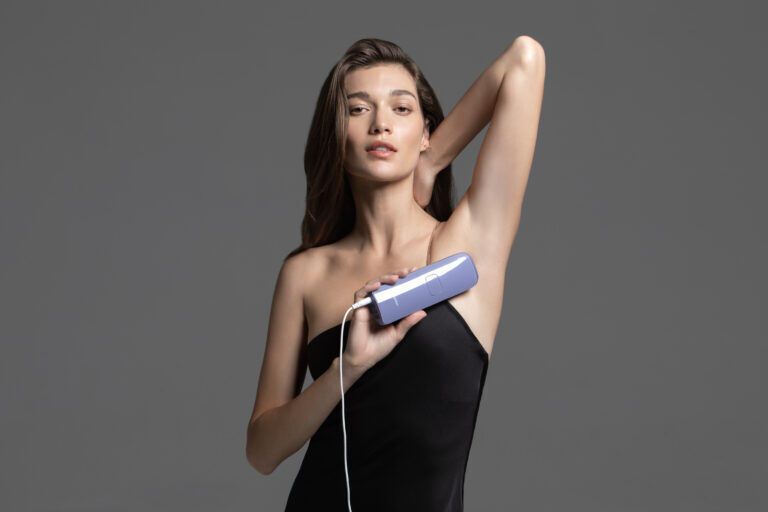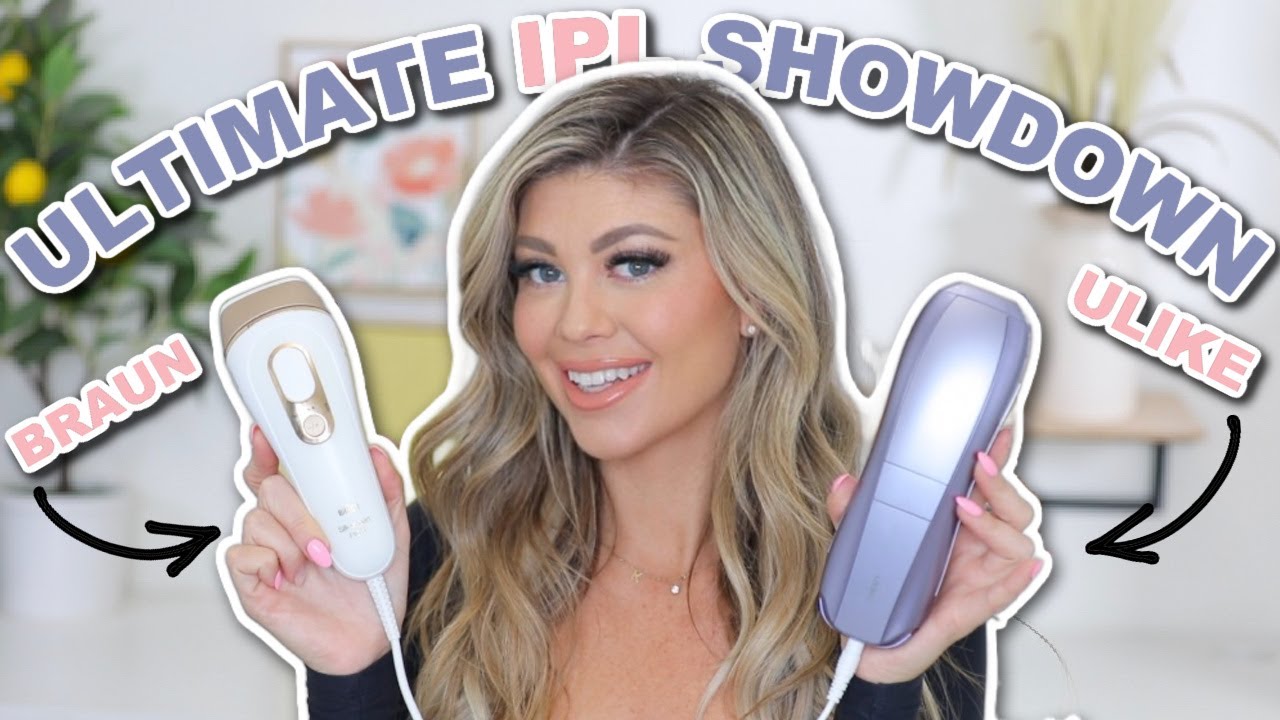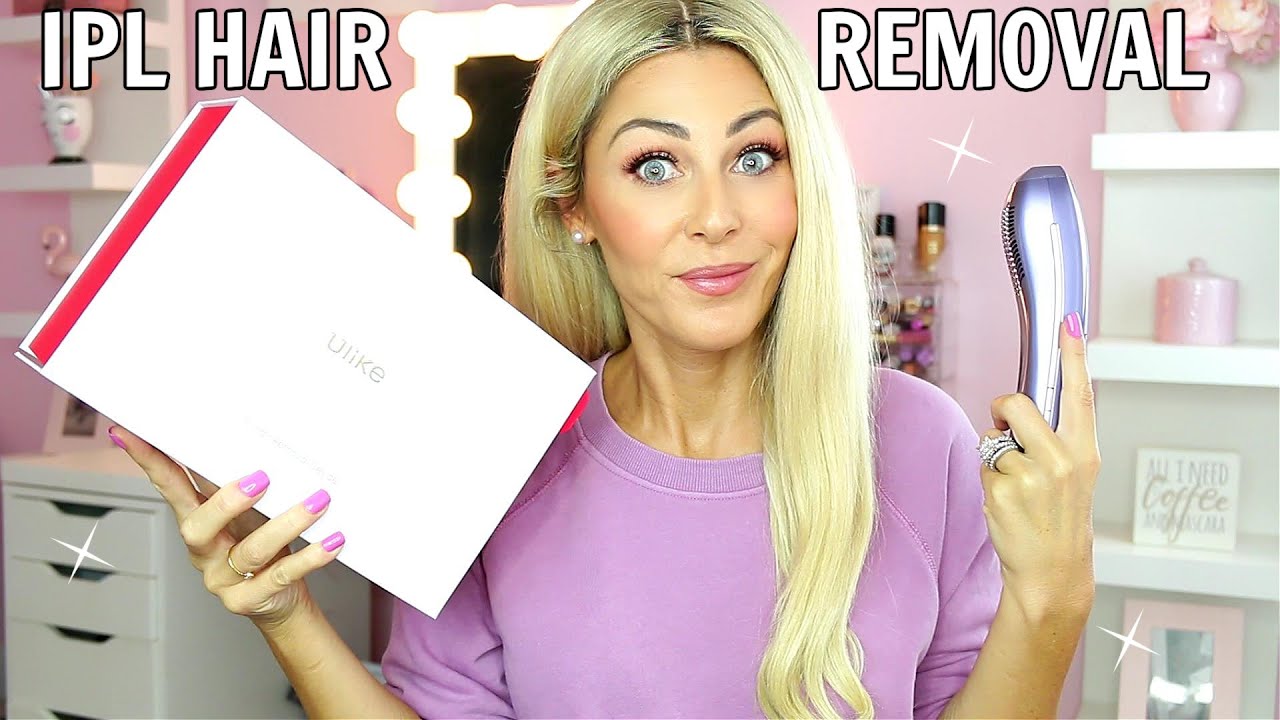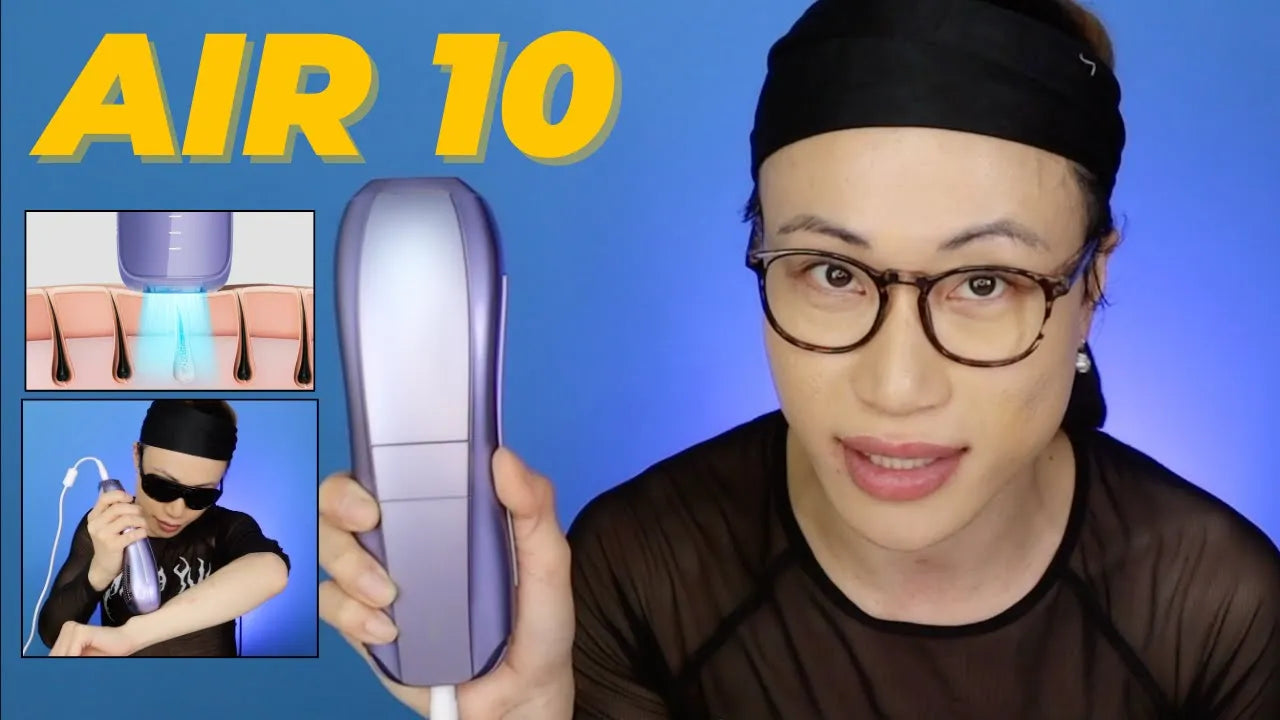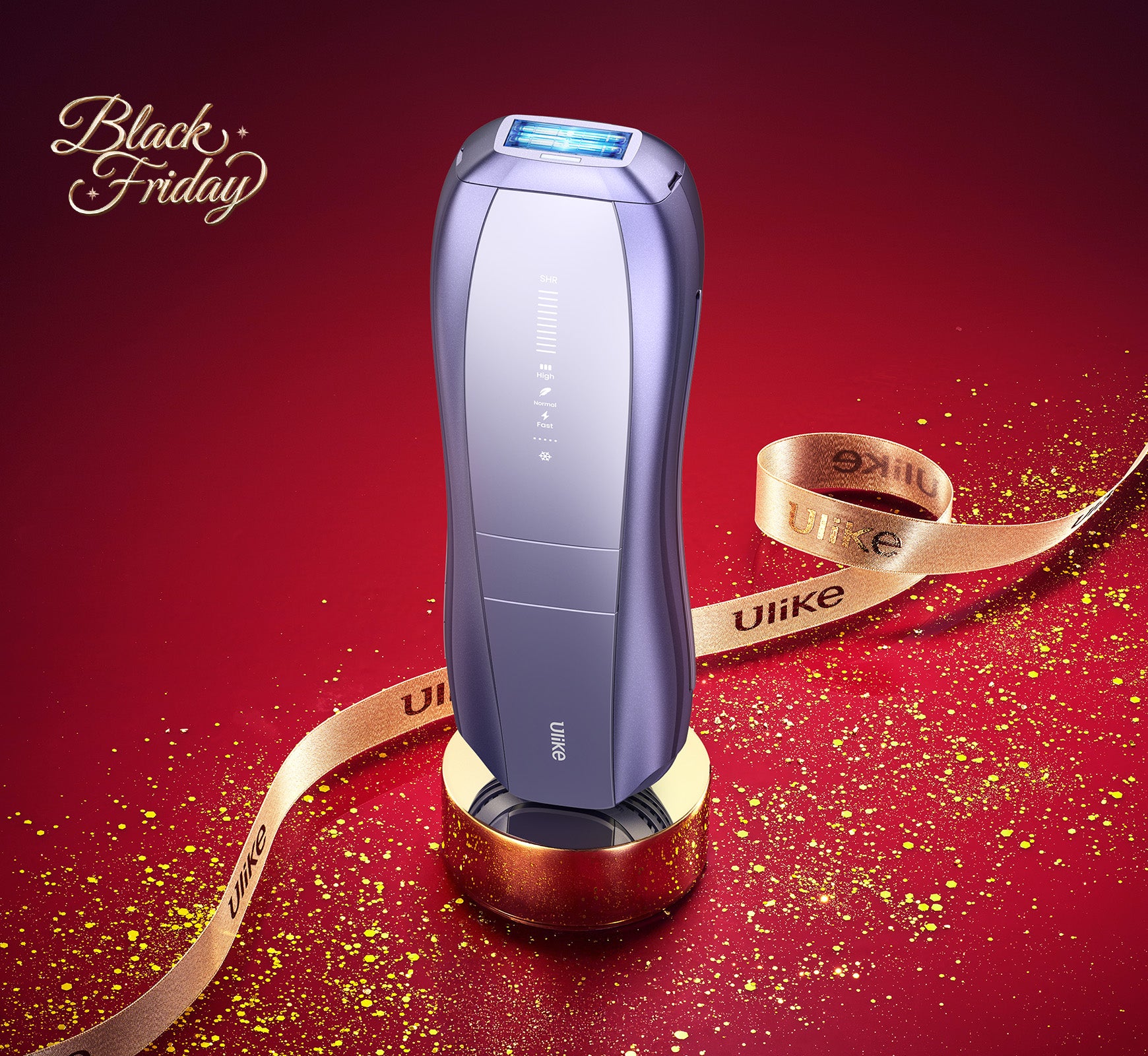
To turn on your Ulike hair removal device, follow these steps: 1. Plug In the Device: Ensure that your device is connected to a power source using the provided adapter. 2. Press the Power Button: Locate the power button on your device and press it to turn it on. 3. Select the Intensity Level: Adjust the intensity level according to your comfort by pressing the appropriate button. For detailed instructions and a video tutorial, please visit our official website or contact our customer support team. They will be happy to assist you further.