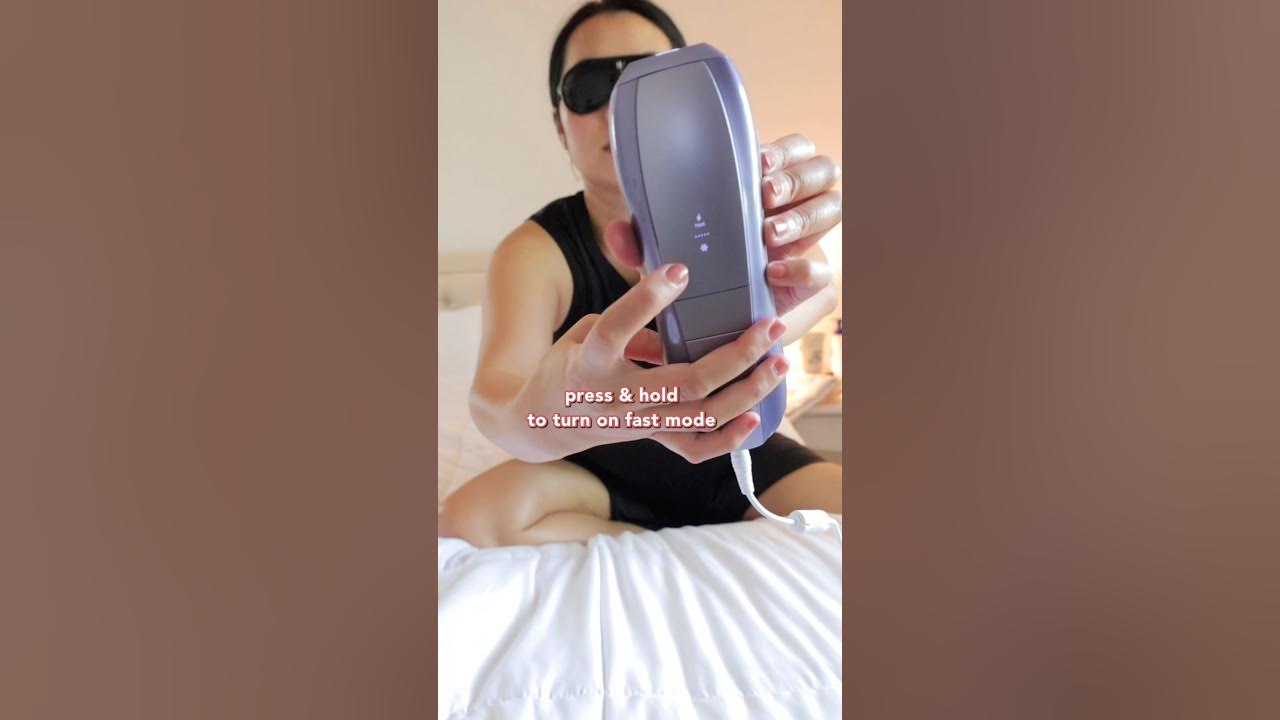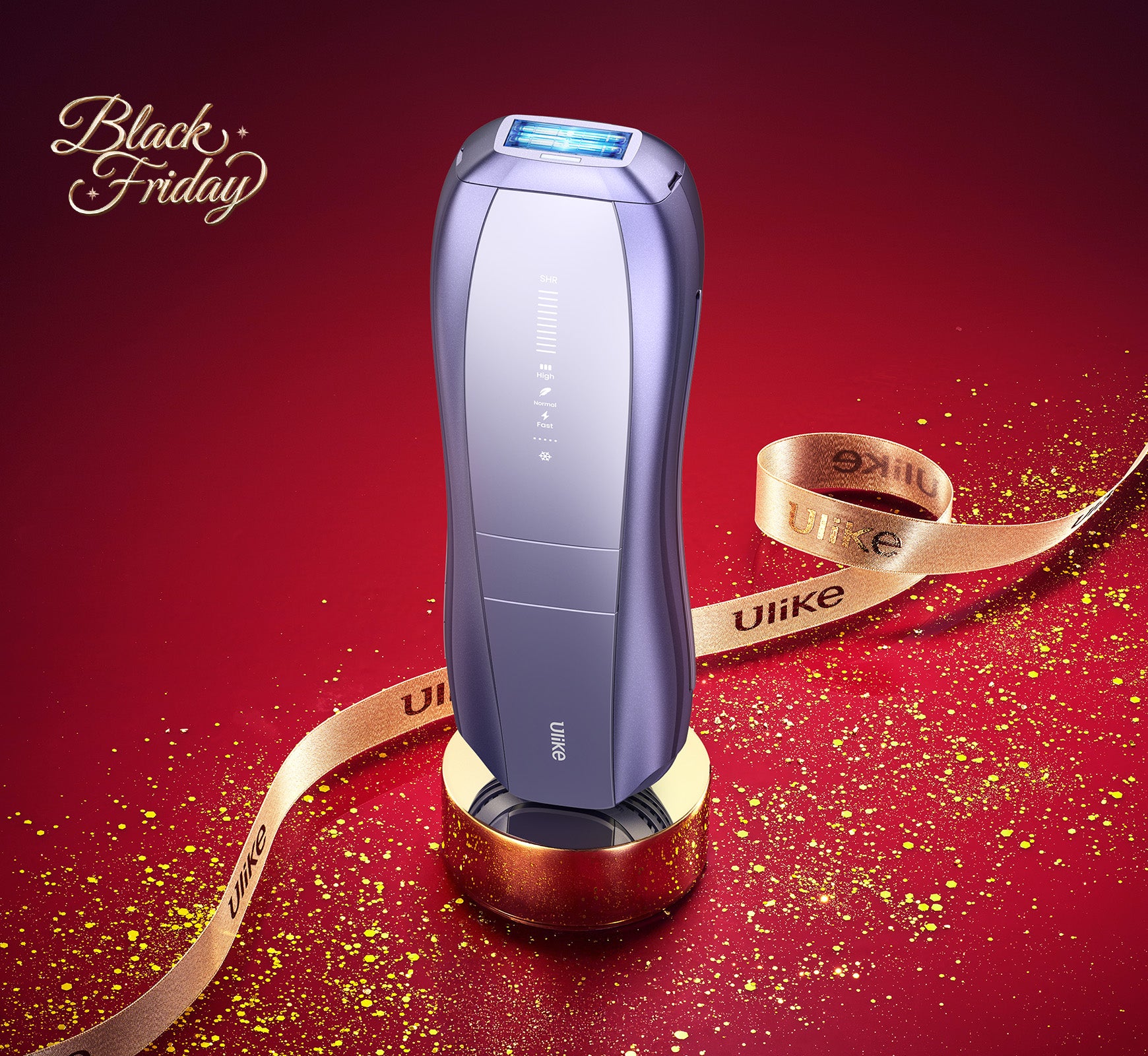
Using Ulike devices for hair removal is simple and effective. Here’s a step-by-step guide: 1. Preparation: Shave the area you intend to treat to ensure the device works optimally. 2. Power On: Turn on your Ulike device by pressing the power button. 3. Select Intensity: Choose the appropriate intensity level based on your comfort and skin type. We recommend starting with the lowest setting. 4. Positioning: Place the device at a 90-degree angle on your skin. 5. Treatment: Press the flash button to release a pulse of light. Move to the next area and repeat. Avoid flashing the same spot multiple times in one session. 6. Post-Treatment Care: Moisturize the treated area to keep your skin hydrated. For best results, follow the recommended treatment schedule provided in the user manual. Always perform a patch test before your first full treatment. For more detailed instructions and safety guidelines, please visit our official website or contact our customer support team.